

Overview
Use the remote oleander MCP server in Cursor to connect your assistant workflows directly to oleander.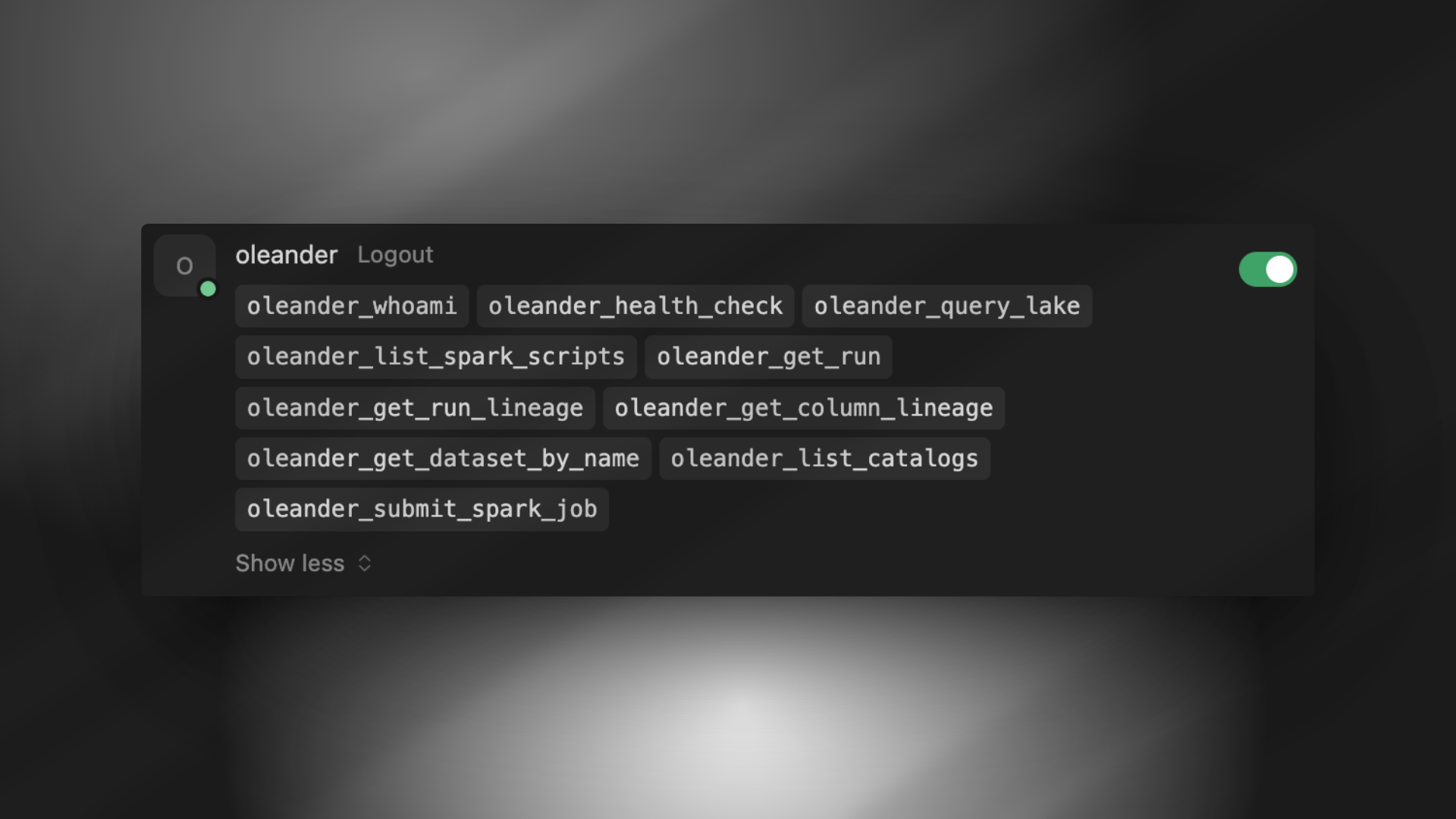
Beta: MCP integration docs and workflow may change.
Prerequisites
- Cursor installed
Add the MCP server
Add the server in your workspace or global config (.cursor/mcp.json or ~/.cursor/mcp.json):
oleander entry under mcpServers.
Authenticate
Complete the OAuth flow to authorize access with your oleander account:Verify
List configured MCP servers to confirmoleander was added:
Reset authentication
Cursor caches the OAuth access token and refresh token in.mcp-auth.
If you want to authenticate with a different org, remove the cached tokens and run the MCP command again: