

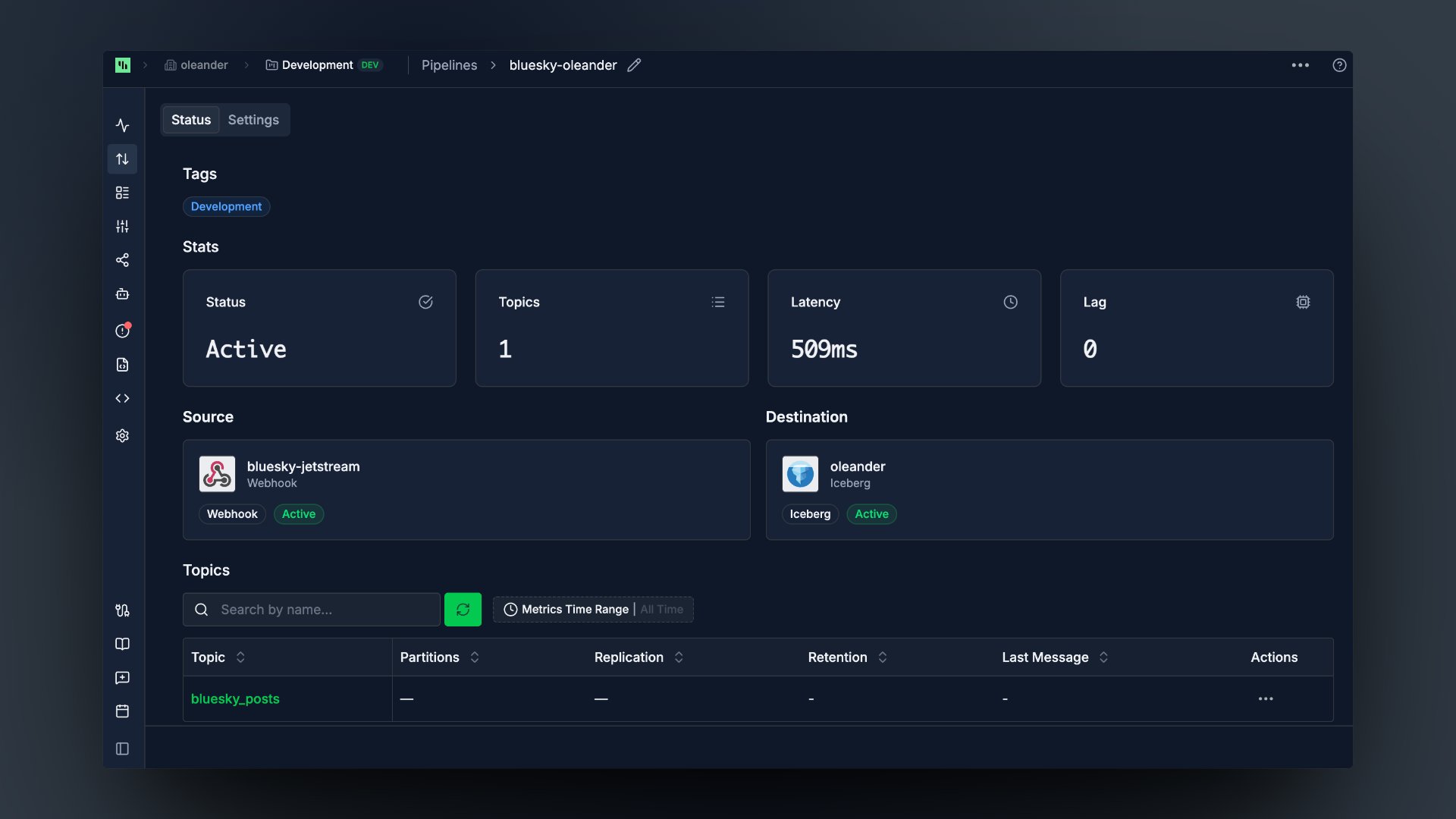
What you need
The organization ID is both the OAuth client ID and the catalog warehouse name. The API key is the OAuth client secret.
Setup
- In Streamkap, open Destinations, click Add, and choose Iceberg.
- On the Auth tab, fill in the catalog connection:
- On the Settings tab:
- Click Save, then attach the destination to a pipeline.
The OAuth2 Credential is the organization ID and API key joined with a colon. Streamkap exchanges it for a short-lived catalog token on your behalf, so you never paste a token by hand.
Partitioning
Streaming data is usually time series, so partition new tables by event time. Queries that filter on a time range then read only the matching partitions. Set Partition By on the Settings tab to a comma-separated Iceberg partition spec: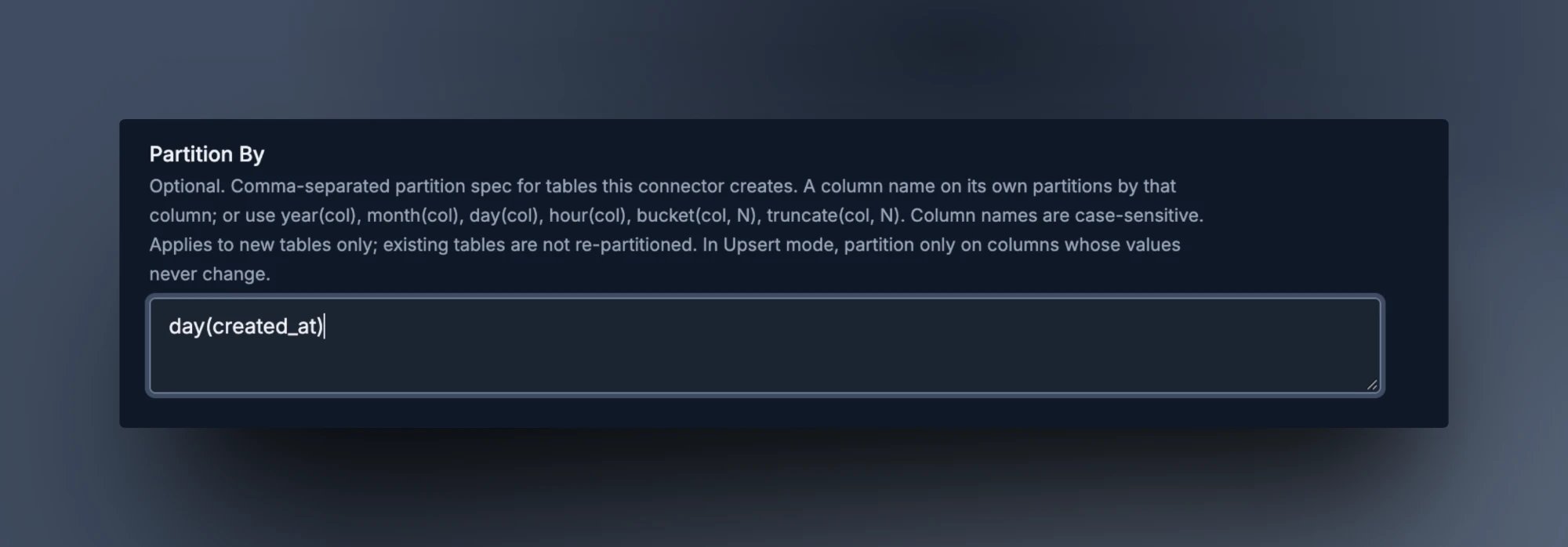
Combine them, e.g.
day(created_at), bucket(id, 16).
- The spec applies to tables Streamkap creates after you save. Existing tables keep their layout.
- Column names are case-sensitive. If a column doesn’t match, Streamkap creates the table unpartitioned, so check the first new table.
- In upsert mode, partition only on columns whose values never change, such as
created_atorbucket(id, 16).