

Overview
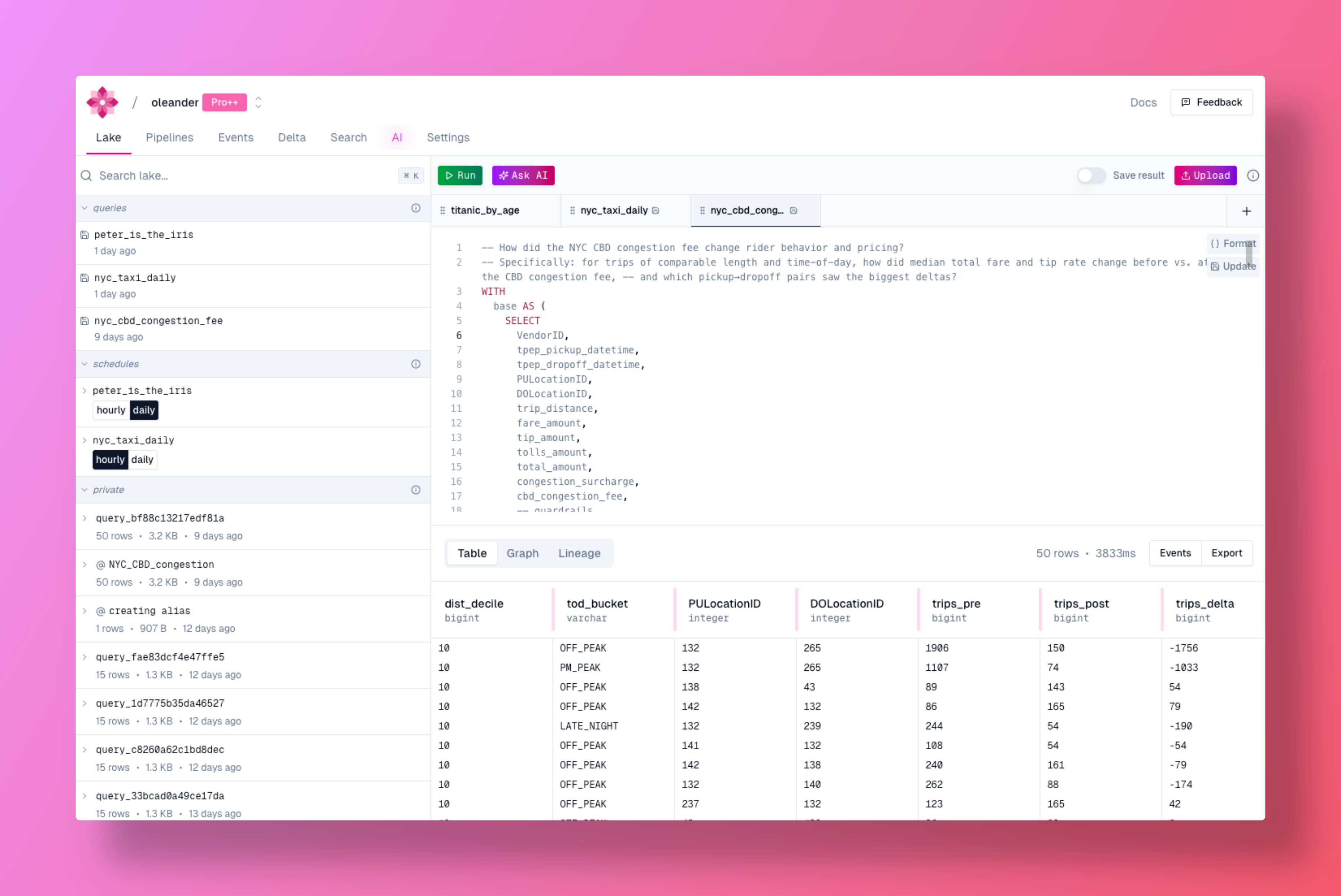
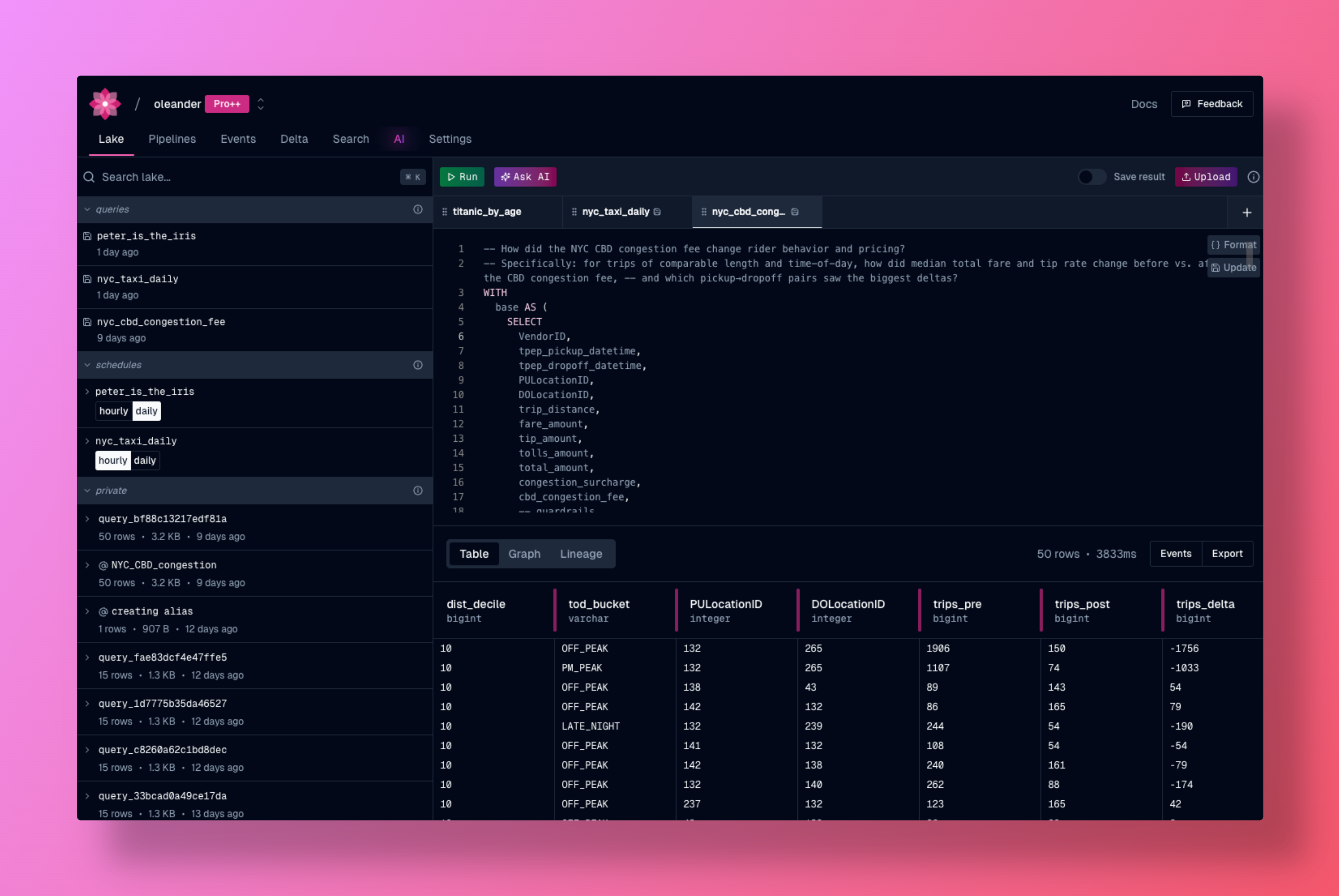
oleander’s lake provides a powerful environment for data analysis, collaboration, and discovery. Execute SQL queries, manage your tables, and contribute to the community with automatic lineage tracking and observability built-in. DuckDB is one of four engines behind the lake, and the most widely capable one. It is the only engine that reaches external connections and catalogs other thanoleander, and it handles mutations that Bloom cannot commit. You do not select it by hand: the query router sends work here when the query calls for it.
Every organization is automatically provisioned a private Apache Iceberg catalog named oleander. It has two namespaces: default for your own tables and telemetry for platform events (run events, traces, logs). It is cross-compatible with Spark, DuckDB, and any other Iceberg-aware tool. See Catalogs for the full schema.
You can also connect BigQuery, Snowflake, and Postgres to query them alongside your lake data, bring your own compute to connect from a local DuckDB or PySpark session, or register an external Iceberg catalog to query your existing S3 Tables data.
The lake’s left panel splits into two tabs: Data, for browsing your Iceberg catalogs and external connections, and Schedules, for scheduled queries, transfers (recurring Postgres syncs), and table maintenance, together with their cadence and health status. See Scheduled queries with time-travel below, Table syncing, and Table health and maintenance for what lives in each.
Portable
The lake is portable and can be used with any DuckDB environment. This means you can run queries, import and export data, and leverage all the features of oleander’s lake wherever DuckDB is supported, including on your local machine, in cloud environments, or as part of larger data workflows.Automatic lineage
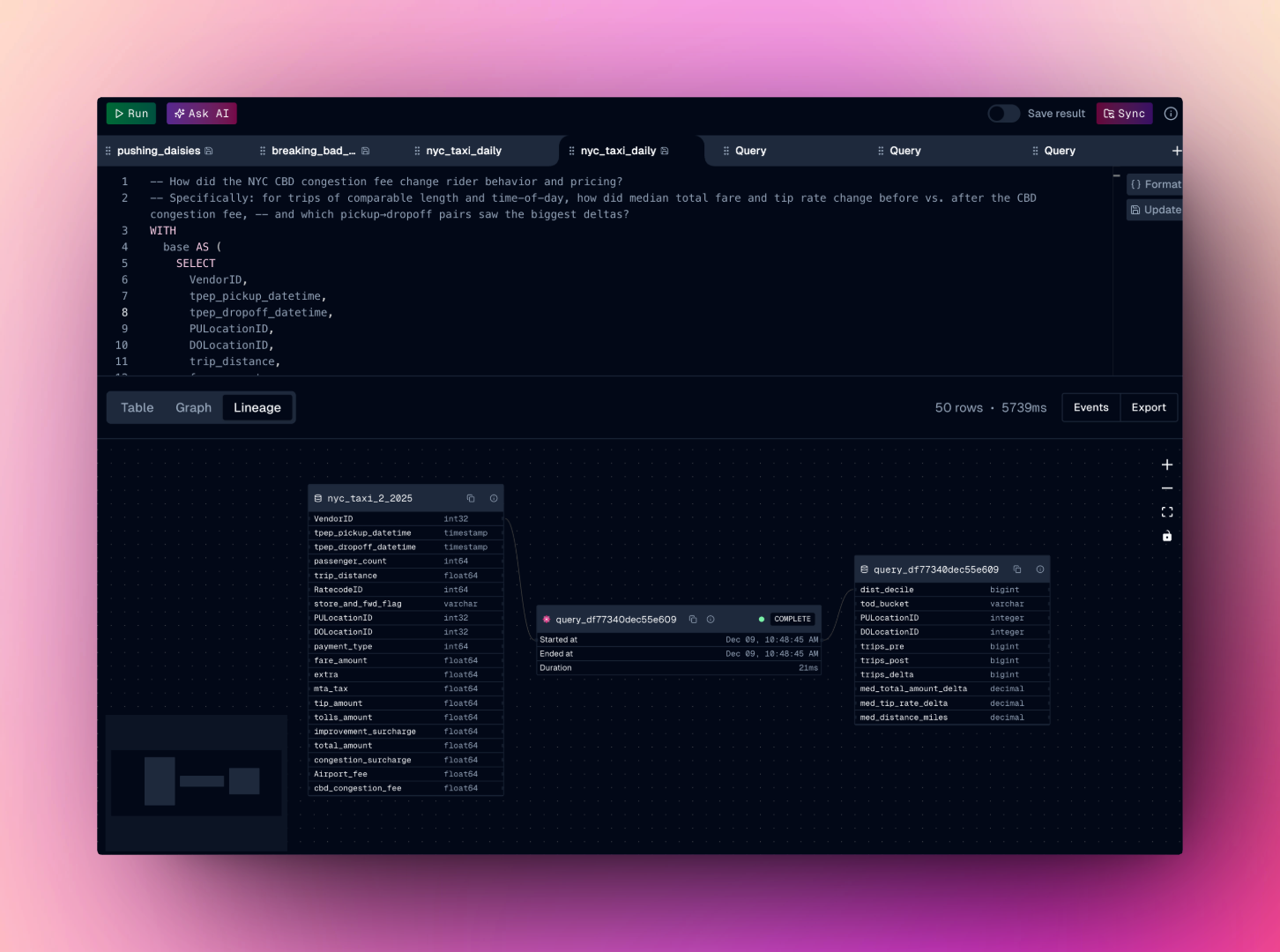
Every operation in oleander automatically captures lineage metadata using the OpenLineage specification. No manual configuration id required.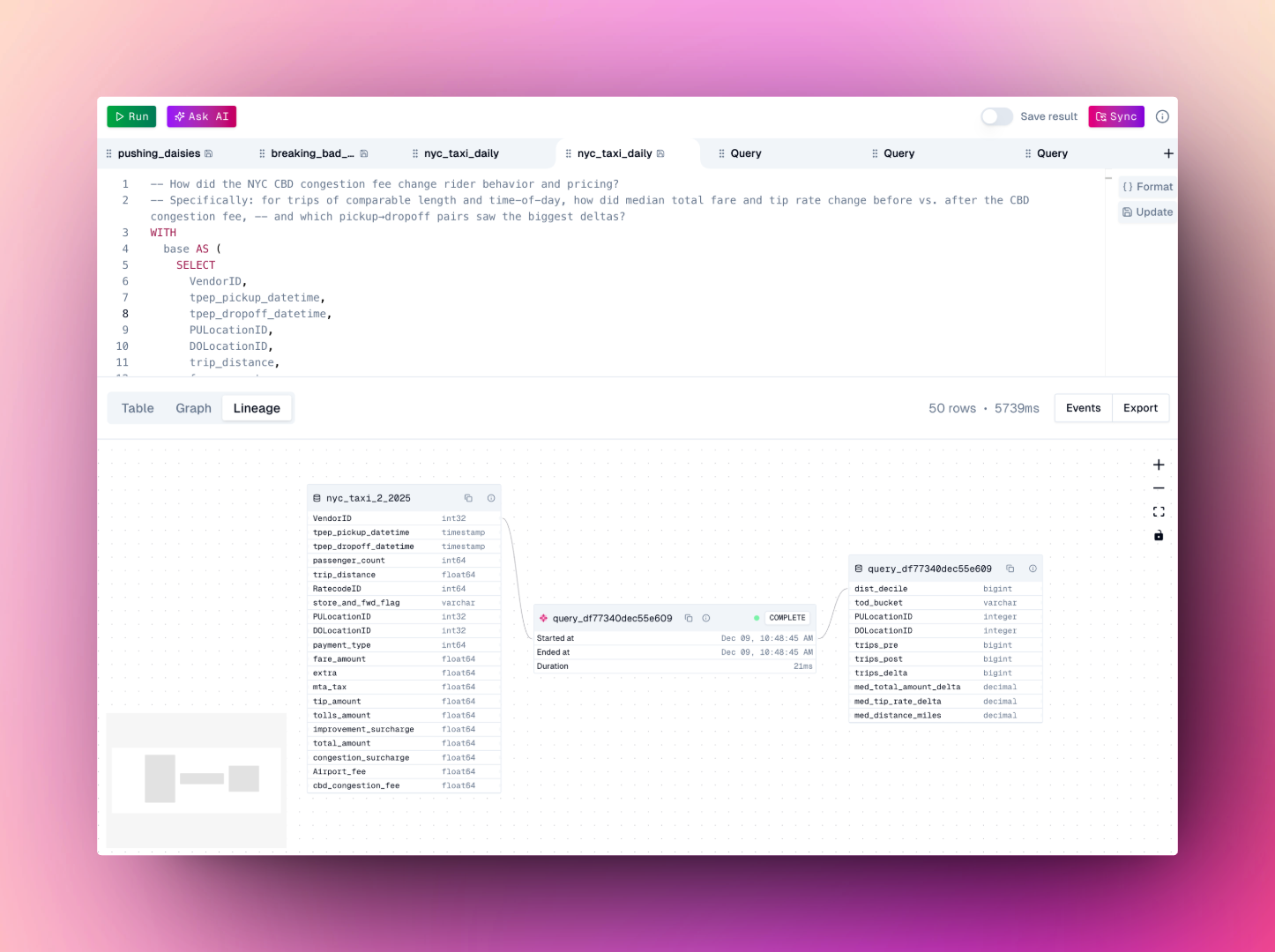
Serverless SQL execution
Run SQL queries directly in oleander’s lake environment. Whether you’re analyzing your own data or exploring public tables, the SQL interface provides:- Fast Query Execution - Execute queries with optimized performance
- Interactive Results - View and export query results instantly
- Query History - Access your past queries and results
- Automatic Lineage - Every query automatically captures lineage metadata
Sync your data
There are several ways to sync your own data into oleander’s lake:Managed upload
Managed upload
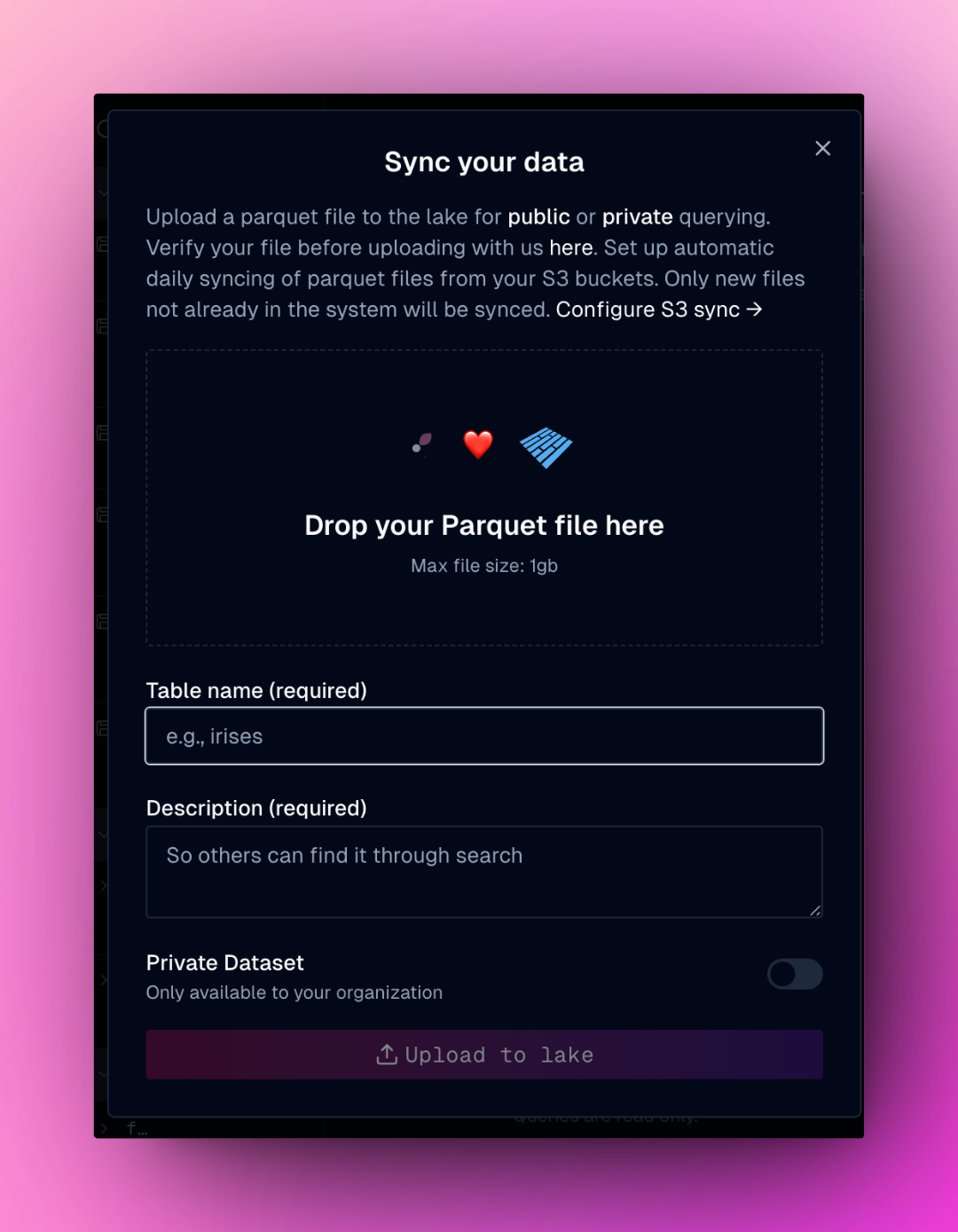
Use the dialog to sync parquet files directly into your lake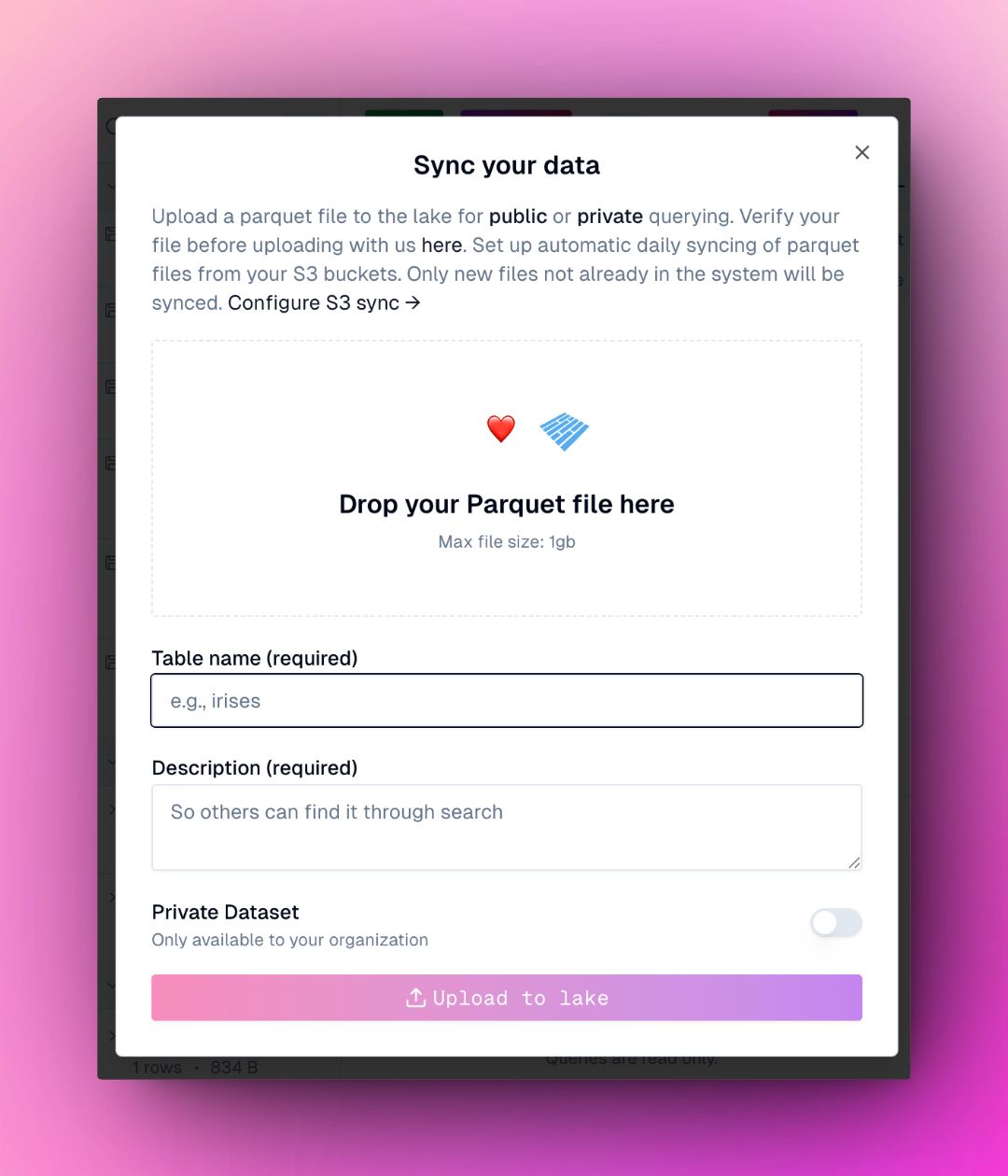
DuckDB import operations
DuckDB import operations
Connect to your lake and run any DuckDB import operation to load data from various sources
CREATE TABLE statements
CREATE TABLE statements
Run
CREATE TABLE statements to define and populate tables with your dataAPI-based queries
API-based queries
Use API-based queries to pull data from external sources directly into your lake (see example below)
S3 scheduled sync
S3 scheduled sync
Configure a daily sync of parquet files from your S3 bucket into 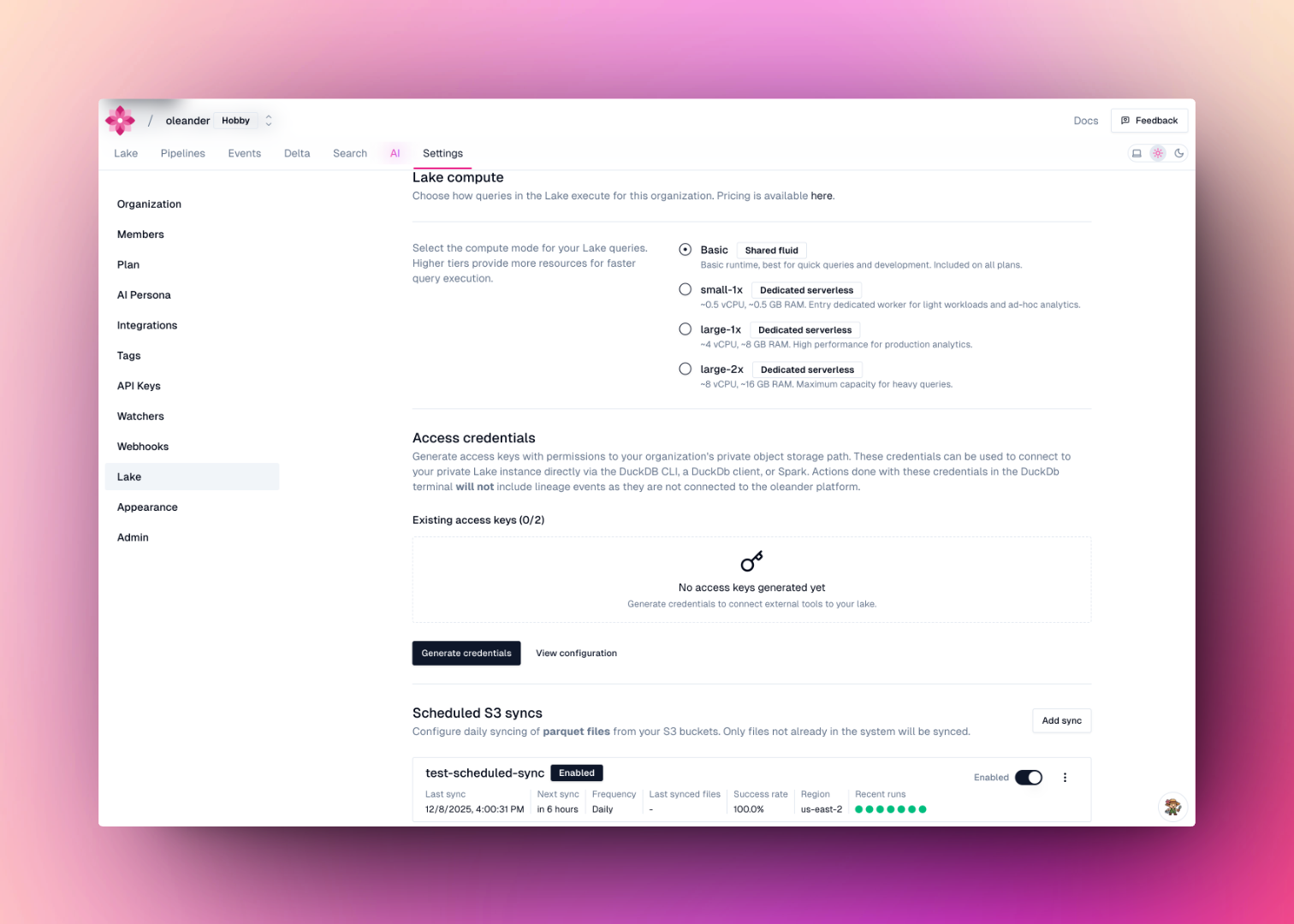
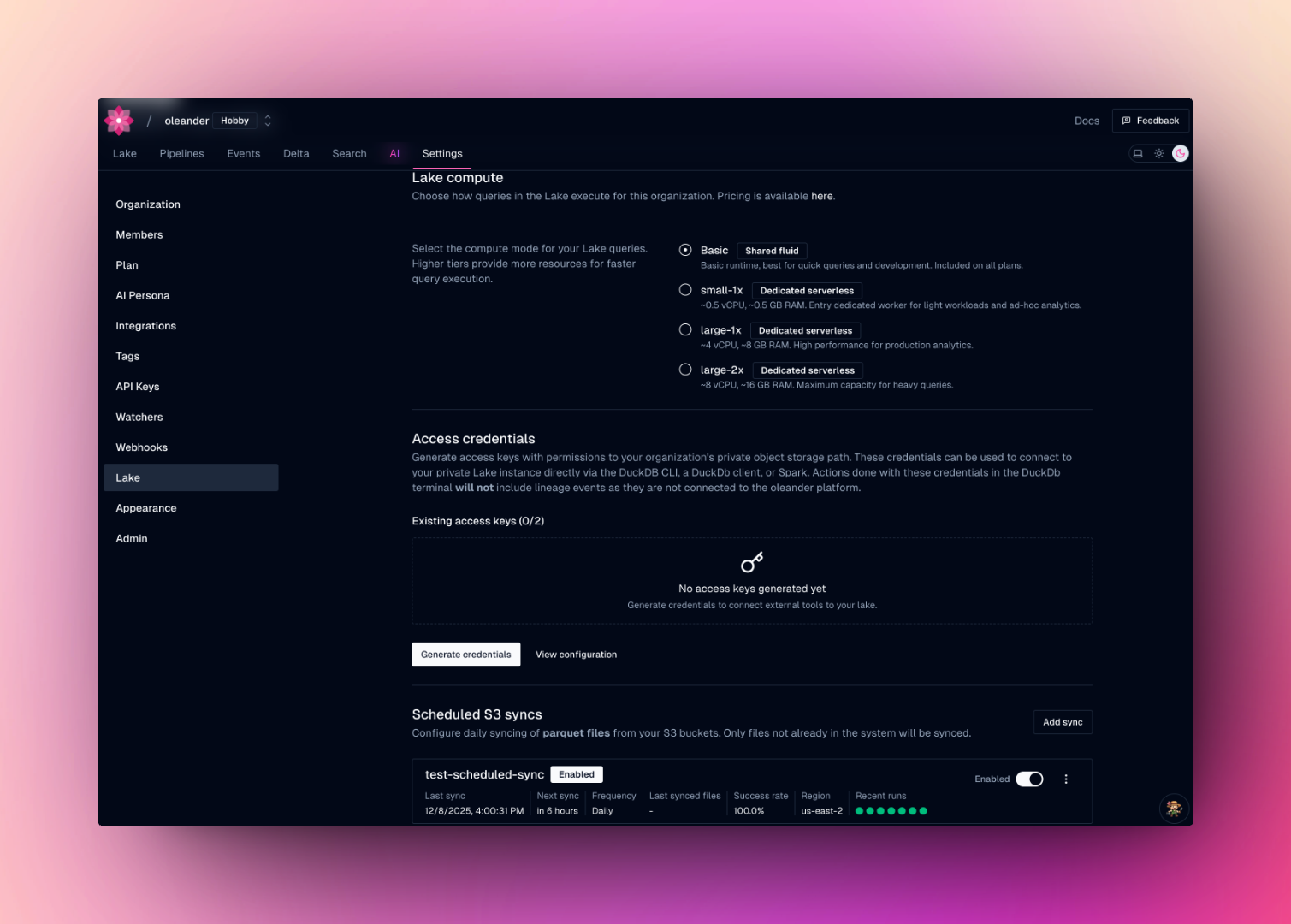
oleander.default. Navigate to lake settings and add a sync under Scheduled S3 syncs. Provide your AWS credentials, bucket name, region, and optional prefix. Only files whose names don’t already exist as tables will be synced on each run.Scheduled queries with time-travel
Any saved query can be put on a schedule. Open Schedule query on a query tab and set:- Runs -
Every 15 minutes,Hourly, orDaily. The 15-minute cadence suits rollups whose work is bounded by what arrived since the last run, so a tighter interval is cheaper per run rather than more expensive. - Engine -
Auto,Bloom,DuckDB,Spark, orPolars. Leave it onAutounless you have a reason to pin one. - Run as - the principal each run executes as. A schedule can run as yourself or as an Application principal; other Humans and Agents are not eligible, even if you can delegate to them. The principal’s own roles govern the run, so it needs warehouse access and permission to execute the selected engine, and you need Describe and Manage grants on it to pick it.
- Destination - the
namespace.tablein theoleandercatalog where each run lands, e.g.oleander.default.sch_nyc_taxi_daily.
Schedules created before execution principals existed have none and run under the organization’s identity. Set one with Run as… - editing such a schedule’s query requires it, and it is the only way to move the schedule onto Bloom.
External connections
Attach BigQuery, Snowflake, and Postgres in lake settings and query them alongside your Iceberg data asconnection_name.schema.table:
BigQuery, Snowflake, and Postgres always select DuckDB. DuckDB is the only engine that attaches external connections, so the query router sends any query naming a connection table here, whatever
engine you asked for. Requesting Bloom, Polars, or Spark for one of these queries returns an engine capability error rather than rerouting silently.Bring your own (Iceberg) catalog
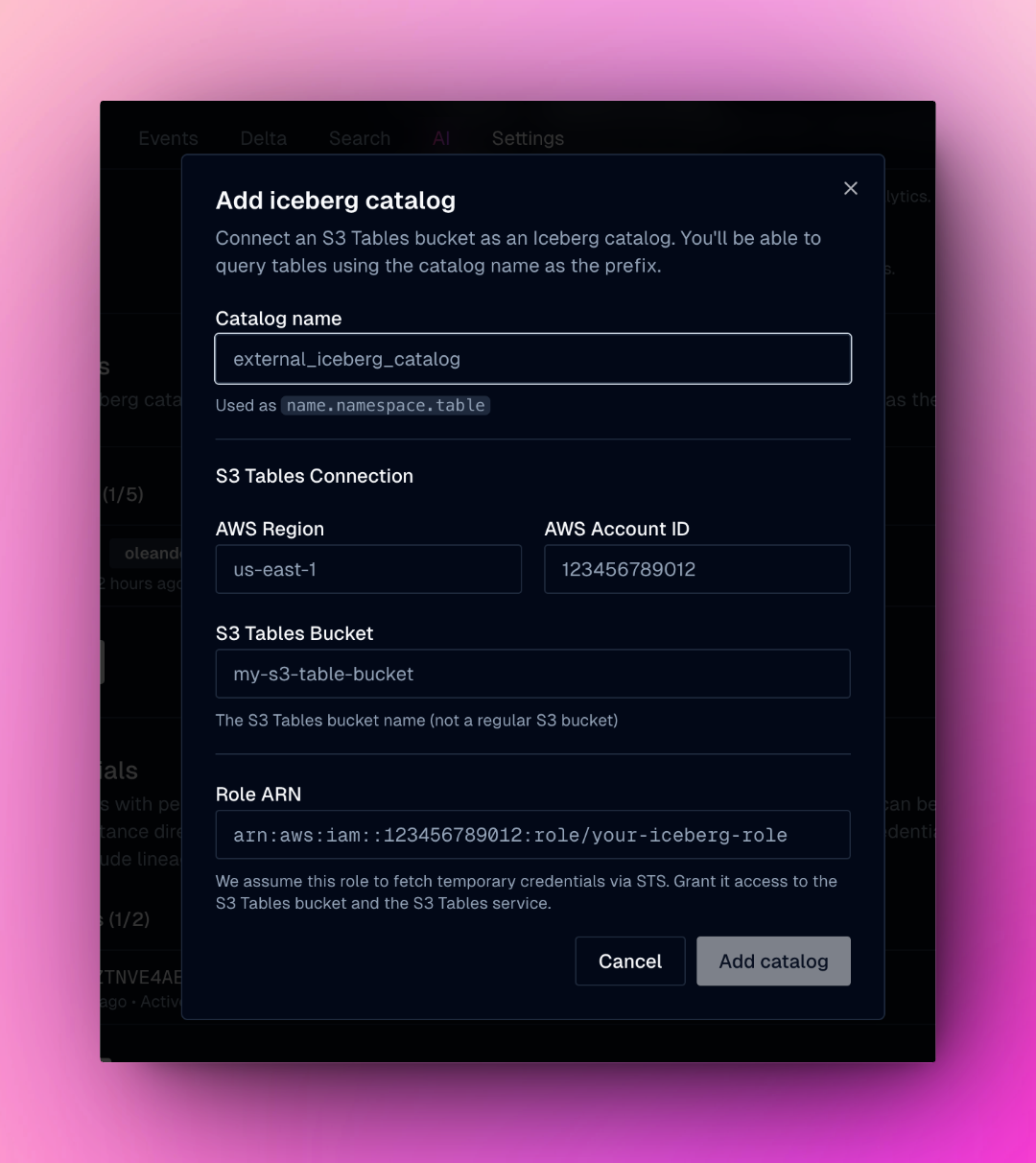
We support adding Iceberg via S3 table buckets. This lets you use your existing Iceberg catalog within the oleander lake and consume the oleander compute layer. Create a role that has access to S3Tables. You can scope this down to specific tables.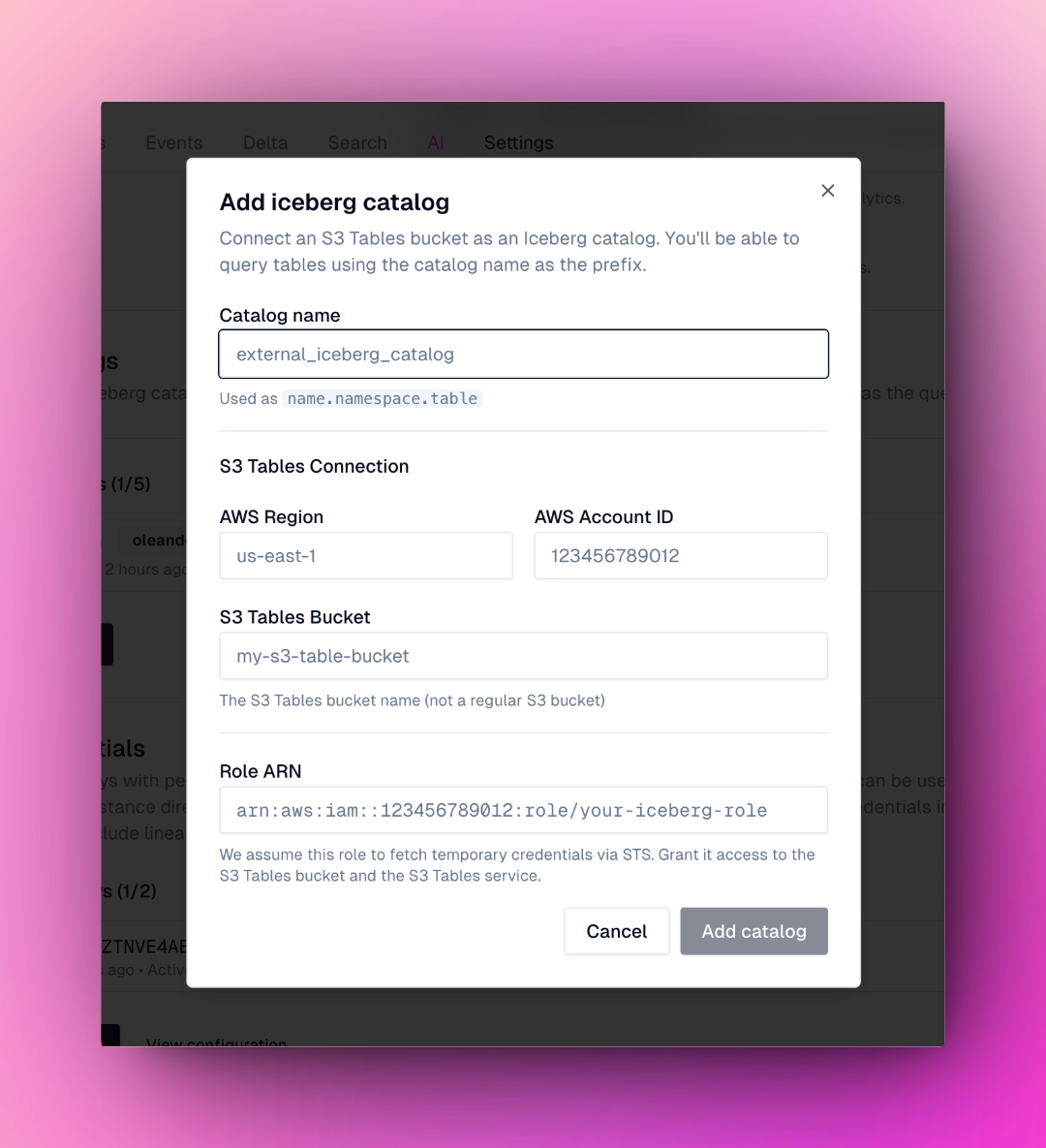
Bring your own compute
Connect to your oleander lake from any DuckDB terminal, PySpark application, or client library. You can easily connect to your lake in our settings here.DuckDB terminal
Use the oleander CLI to launch a connected DuckDB session:Getting started
Get started with oleander’s lake in just a few steps:- Navigate to the Lake in your oleander dashboard to access the SQL interface
- Run a SQL query on a public table to get familiar with the interface:
- Sync your own data to start analyzing your tables. Create a new table with sample data:
- Explore lineage to see how data flows through your queries. Every operation automatically captures lineage metadata for complete observability.
FAQs
Why do clock time and query time differ?
Why do clock time and query time differ?
Clock time and query time can differ for several reasons:
- Clock time measures the total wall-clock time from when a query is submitted until it comes back to you. This also includes lineage extraction and creation.
- Query time measures the actual execution time spent processing the query in the database engine running your query.
- Network latency
- Lineage extraction
Why doesn't the direct DuckDb connection instrument lineage?
Why doesn't the direct DuckDb connection instrument lineage?
Direct DuckDB connections bypass the oleander API layer, which is responsible for capturing and instrumenting lineage metadata. When you connect directly to DuckDB, your queries execute directly against the database engine without going through oleander’s observability infrastructure.To capture lineage:
- Use the oleander lake API or platform for queries
- All operations performed through the API are automatically tracked and observable
- Lineage metadata is captured using the OpenLineage specification