

Configure a Webhook
1. Go to your team settings
Settings ➞ Webhooks.2. Select Create Webhook
Webhooks ➞ Create Webhook.3. Add Webhook
Enter your webhook URL.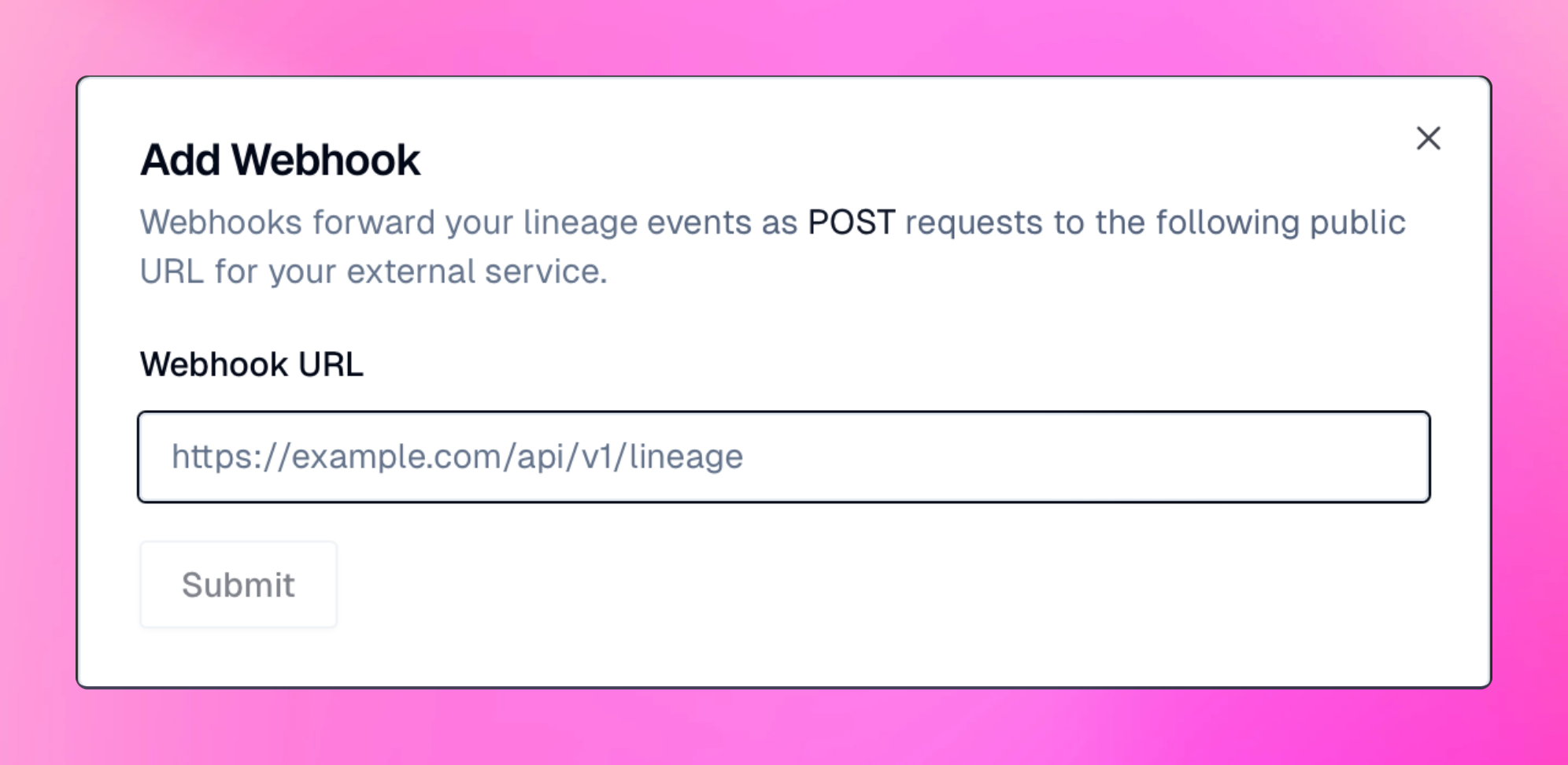
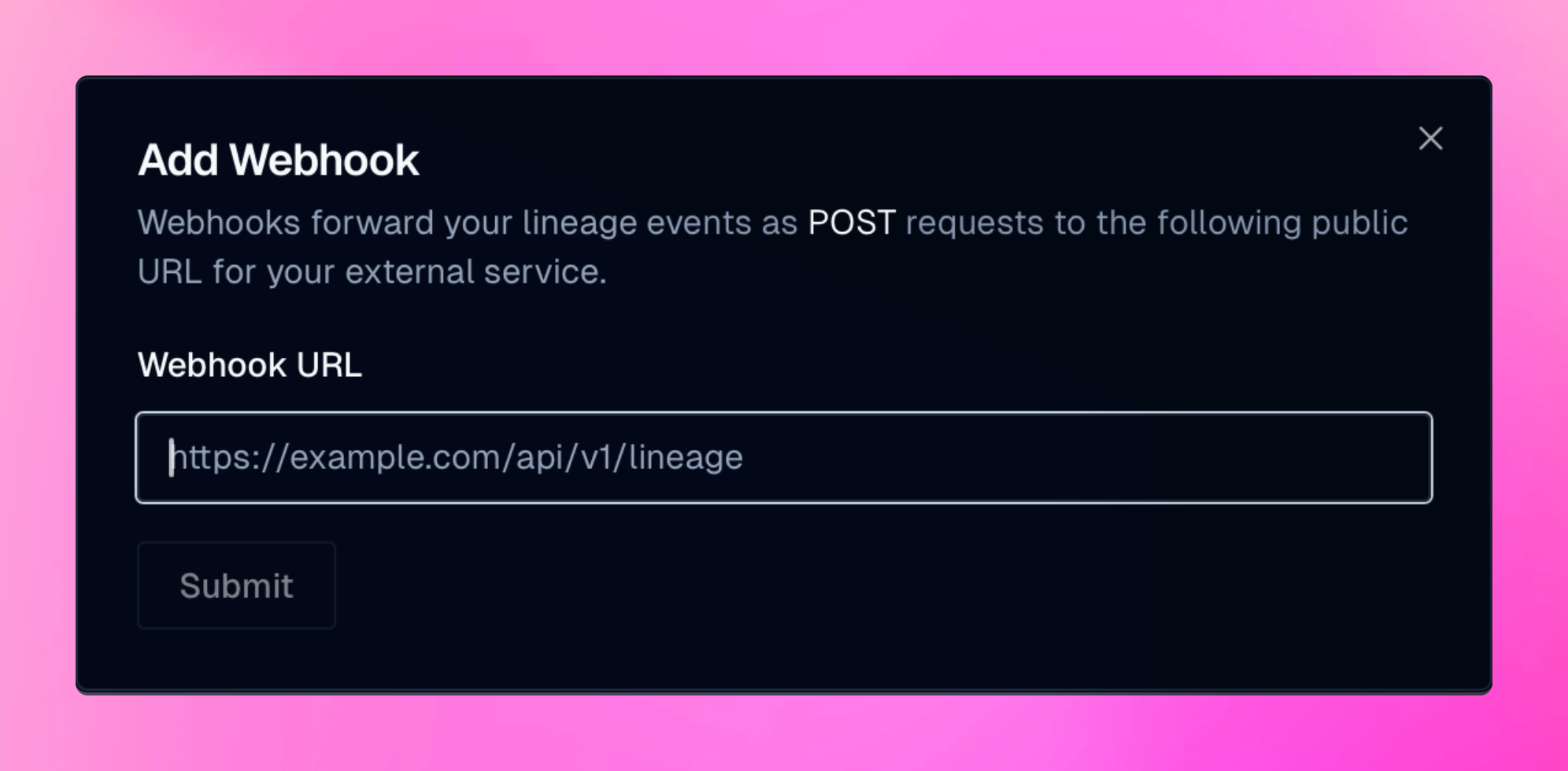
Submit button.
The Add Webhook dialog will display a secret key, which won’t be shown again.
You should secure your webhooks by comparing the X-Oleander-Signature.
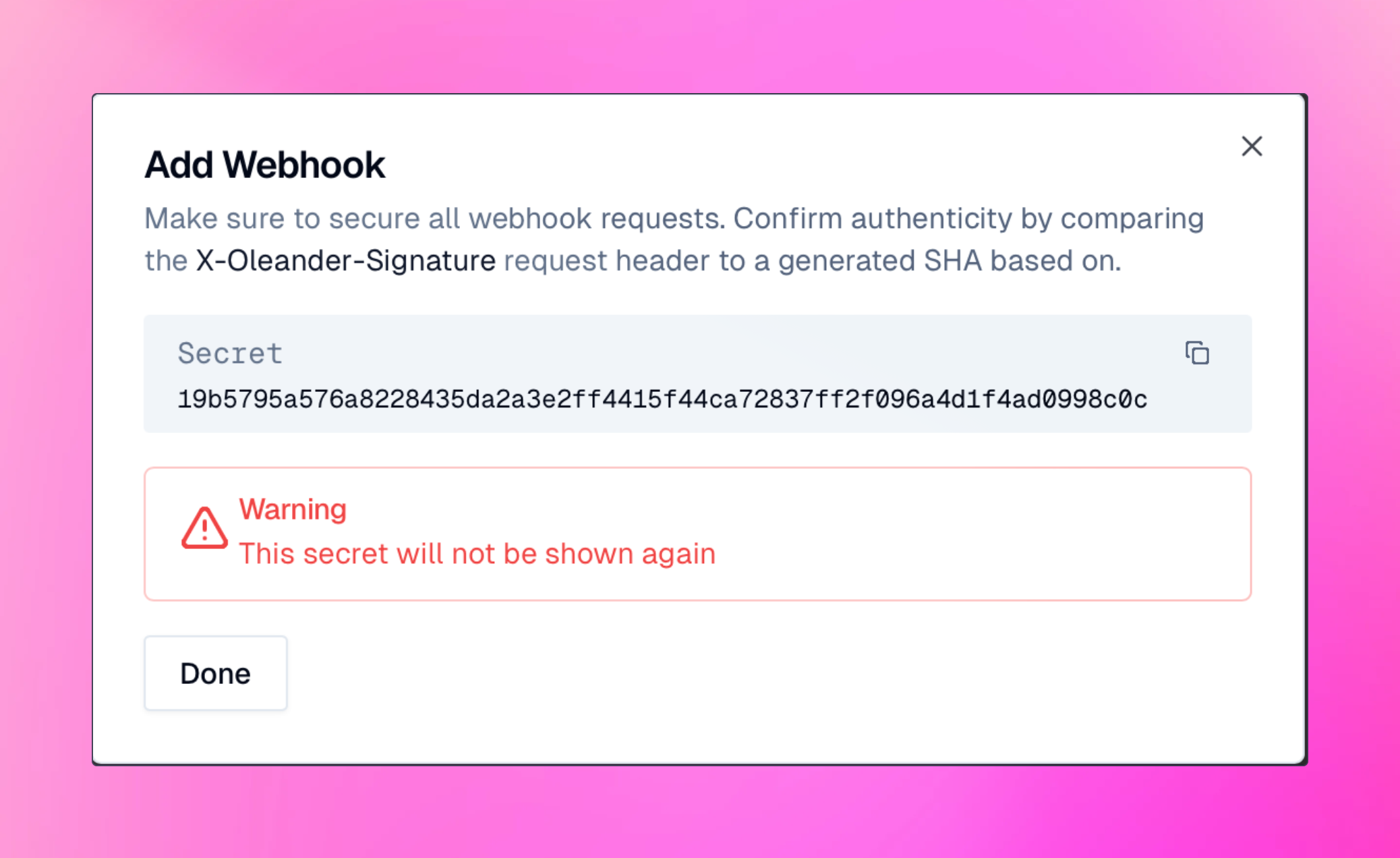
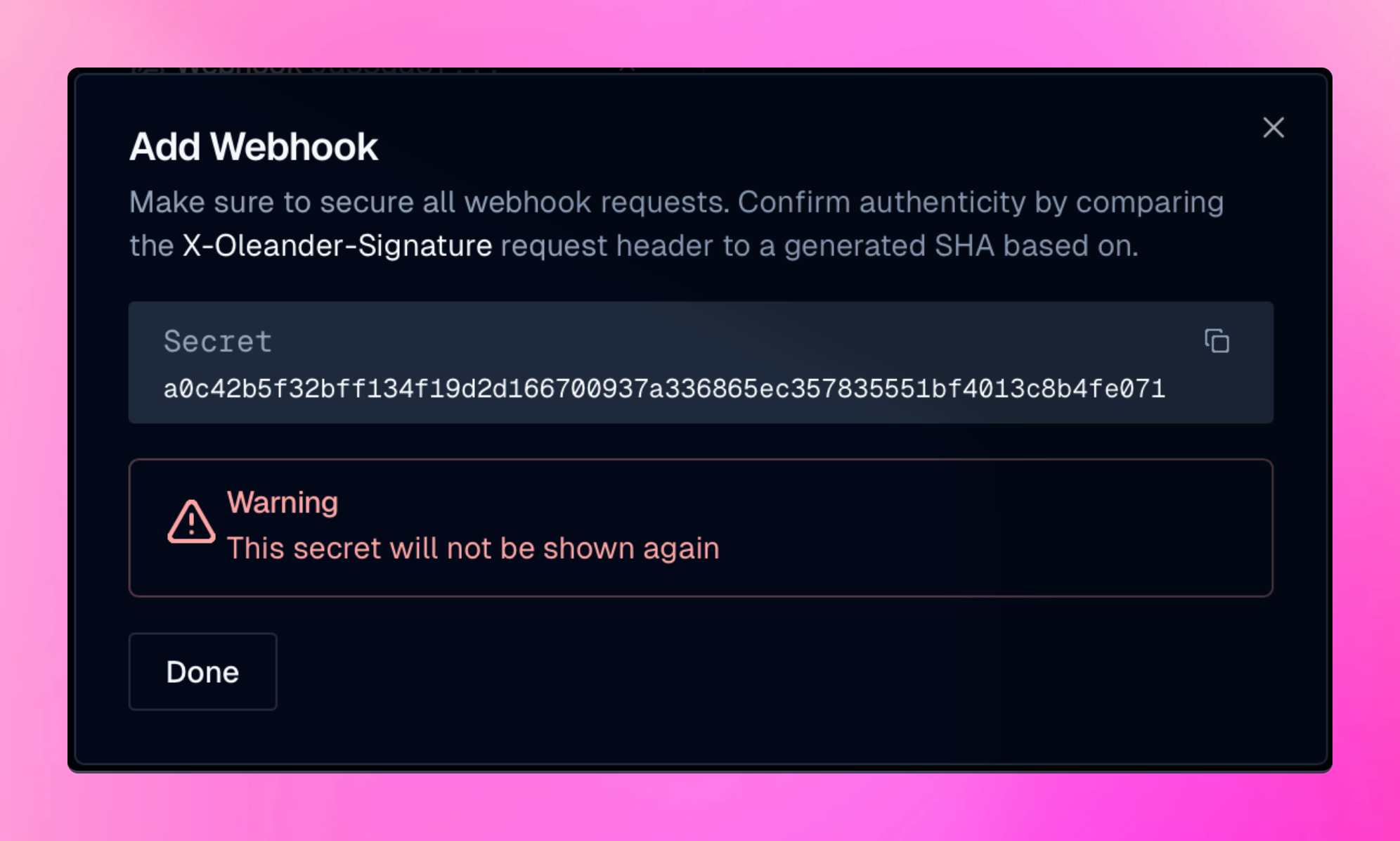
Done. Note, only OpenLineage events for jobs you are watching will be forwarded.
To view watched jobs, go to the Watcher section.
To view all your new and existing webhooks, go to the Webhooks section of your team’s setting.
OpenLineage Events
The webhook URL receives an HTTPPOST request with a JSON payload for each event.
All events will be formated following the OpenLineage specification.