Iceberg Meta Light

Your private Iceberg catalog

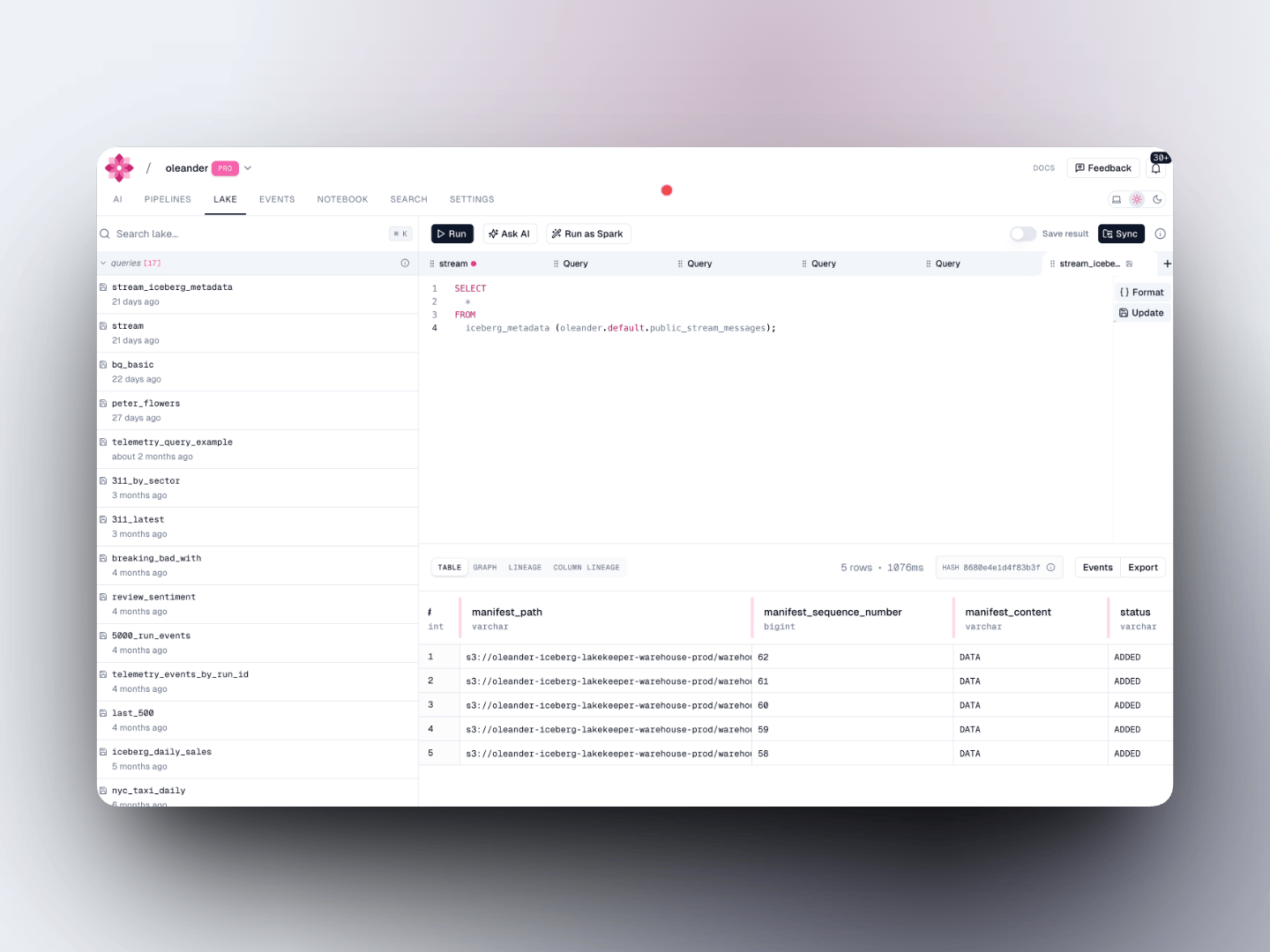
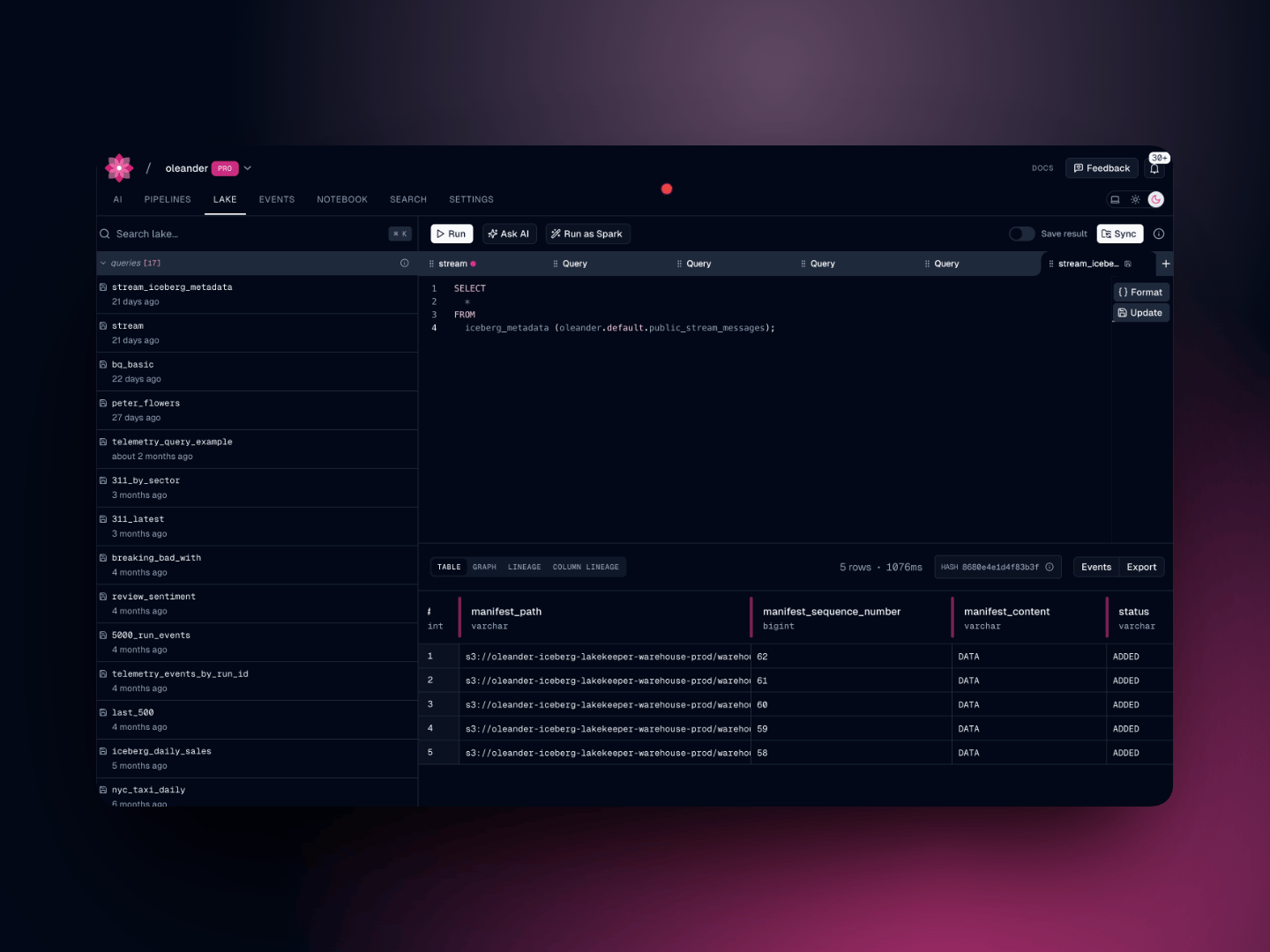
Every oleander organization is automatically provisioned a private Apache Iceberg catalog named oleander. It is backed by Lakekeeper and stored on S3, and it exposes a standard Iceberg REST catalog endpoint, making it natively compatible with Spark, DuckDB, and any other Iceberg-aware tool. The catalog contains two namespaces out of the box:
NamespacePurpose
defaultYour own tables, created via SQL, upload, or S3 sync
telemetryPlatform events written automatically by oleander
Reference any table in your queries with the three-part identifier:
SELECT * FROM oleander.<namespace>.<table_name> LIMIT 100;

Telemetry namespace

The telemetry namespace is populated automatically as your pipelines run. It contains three tables:

oleander.telemetry.run_events

OpenLineage run lifecycle events (START, COMPLETE, FAIL, etc.) for every job execution. Partitioned by event_time.
ColumnTypeDescription
event_typestringSTART, COMPLETE, FAIL, ABORT
event_timetimestampWhen the event occurred
received_attimestampWhen oleander received the event
telemetry_correlation_idstringCorrelation ID
runstructRun ID and facets
jobstructJob namespace and name
inputslistInput datasets
outputslistOutput datasets
-- Recent failures across all jobs
SELECT
  job.namespace,
  job.name,
  run.runId,
  event_time
FROM oleander.telemetry.run_events
WHERE event_type = 'FAIL'
  AND event_time >= TIMESTAMP '2024-06-01 00:00:00'
ORDER BY event_time DESC
LIMIT 25;

-- Failure rate by job over the last 7 days
SELECT
  job.name,
  COUNT(*) FILTER (WHERE event_type = 'FAIL') AS failures,
  COUNT(*) FILTER (WHERE event_type = 'COMPLETE') AS successes,
  ROUND(100.0 * COUNT(*) FILTER (WHERE event_type = 'FAIL') / COUNT(*), 1) AS failure_pct
FROM oleander.telemetry.run_events
WHERE event_time >= TIMESTAMP '2024-05-25 00:00:00'
  AND event_type IN ('FAIL', 'COMPLETE')
GROUP BY job.name
ORDER BY failure_pct DESC;

oleander.telemetry.traces

OpenTelemetry spans from your pipelines and tasks. Partitioned by start_time.
ColumnTypeDescription
trace_idstringOTel trace ID
span_idstringOTel span ID
parent_span_idstringParent span ID
span_namestringSpan name
span_kindstringCLIENT, SERVER, INTERNAL, etc.
start_time / end_timetimestampSpan timing
status_codestringOK, ERROR, UNSET
span_attributesstringJSON-encoded span attributes
resource_attributesstringJSON-encoded resource attributes
-- Slowest spans for a trace
SELECT
  span_name,
  DATEDIFF('millisecond', start_time, end_time) AS duration_ms,
  status_code
FROM oleander.telemetry.traces
WHERE trace_id = '<your-trace-id>'
  AND start_time >= TIMESTAMP '2024-06-01 00:00:00'
ORDER BY duration_ms DESC;

oleander.telemetry.logs

Log records emitted by your pipelines. Partitioned by time.
ColumnTypeDescription
timetimestampLog record timestamp
severitystringDEBUG, INFO, WARN, ERROR
trace_id / span_idstringCorrelated trace context
bodystringLog message body
log_attributesstringJSON-encoded log attributes
resource_attributesstringJSON-encoded resource attributes
-- Error logs for a specific correlation ID
SELECT time, severity, body
FROM oleander.telemetry.logs
WHERE trace_id = '<your-trace-id>'
  AND severity IN ('ERROR', 'WARN')
  AND time >= TIMESTAMP '2024-06-01 00:00:00'
ORDER BY time DESC;

Spark compatibility

Because oleander is a standard Iceberg REST catalog, you can attach it directly in a Spark session. See the Spark integration guide for full configuration.
spark = SparkSession.builder \
    .config("spark.sql.catalog.oleander", "org.apache.iceberg.spark.SparkCatalog") \
    .config("spark.sql.catalog.oleander.type", "rest") \
    .config("spark.sql.catalog.oleander.uri", "<catalog-uri>") \
    .config("spark.sql.catalog.oleander.credential", "<token>") \
    .getOrCreate()

spark.sql("SELECT * FROM oleander.telemetry.run_events LIMIT 10").show()
Your catalog URI and credentials are available in lake settings.

Bring your own catalog

In addition to your private catalog, you can register an external AWS S3 Tables catalog and query it alongside your own data. See the Query guide for setup instructions.