> ## Documentation Index
> Fetch the complete documentation index at: https://docs.oleander.dev/llms.txt
> Use this file to discover all available pages before exploring further.
# Webhooks
> Learn how to set up webhooks and use them to forward OpenLineage events.
## Configure a Webhook
### 1. Go to your team settings
Settings ➞ [Webhooks](https://oleander.dev/app/settings/webhooks).
### 2. Select Create Webhook
Webhooks ➞ Create Webhook.
### 3. Add Webhook
Enter your webhook URL.
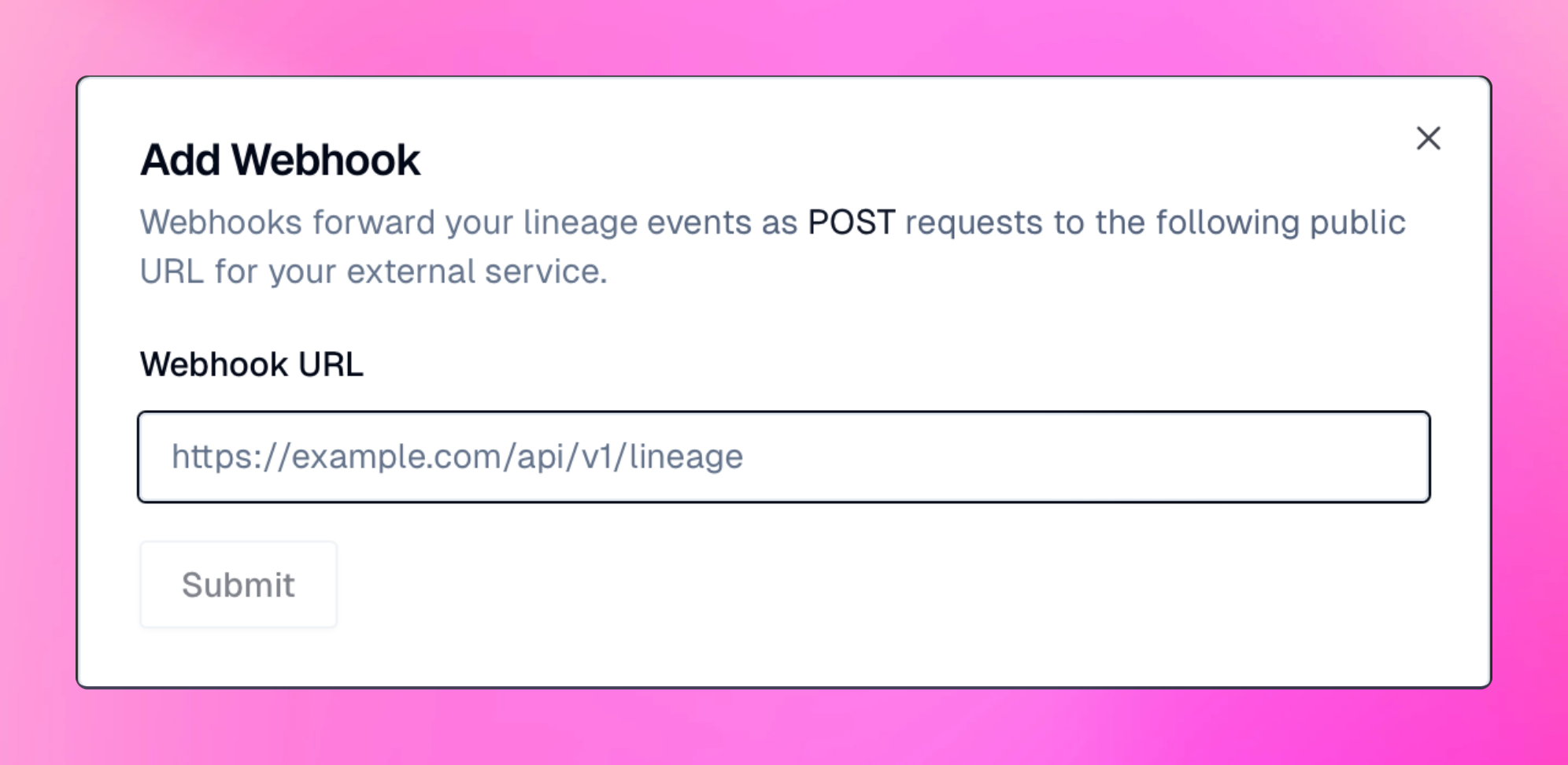
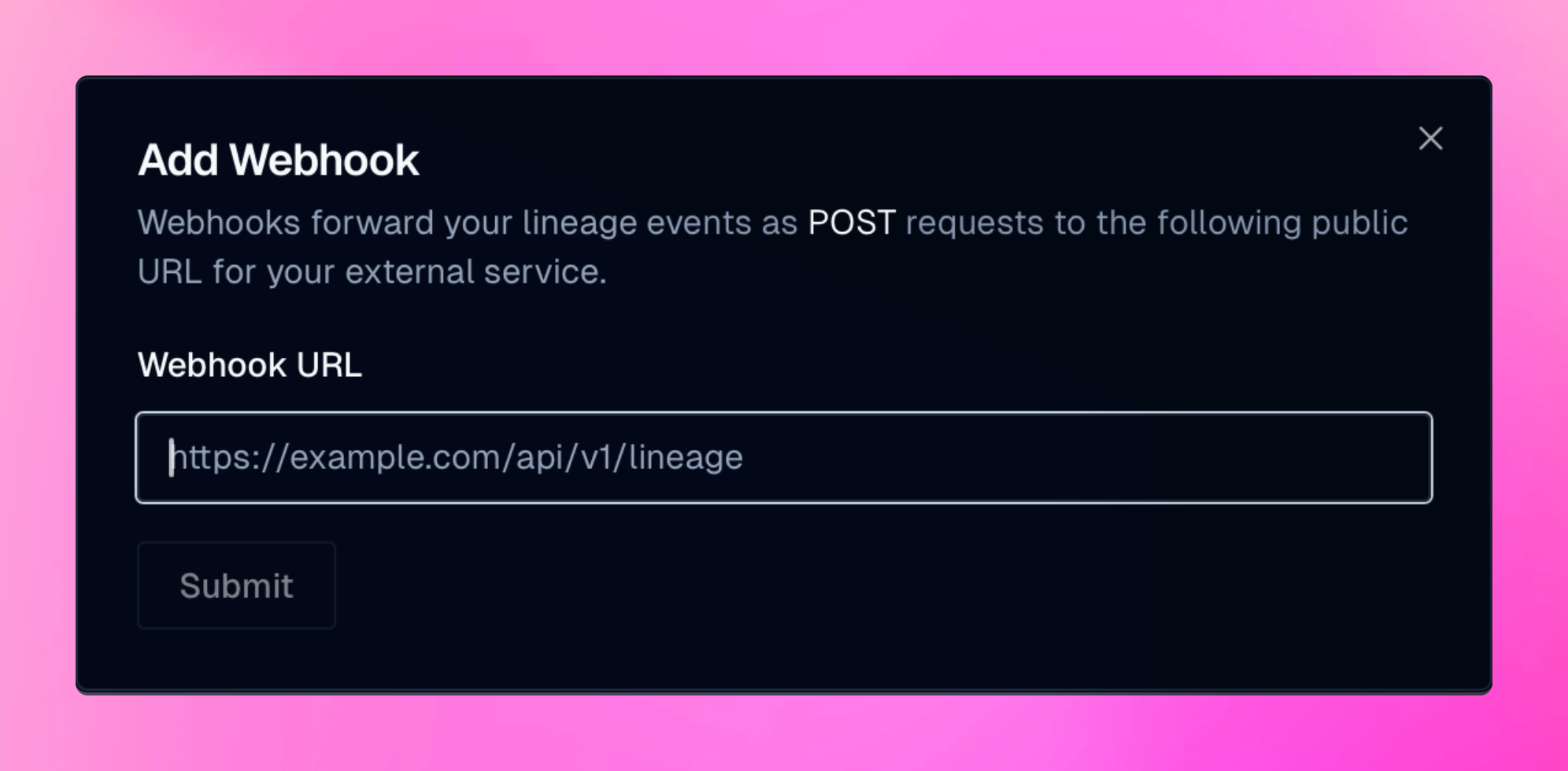 Once you have configured your webhook, click the `Submit` button.
The Add Webhook dialog will display a secret key, which won't be shown again.
You should secure your webhooks by comparing the `X-Oleander-Signature`.
Once you have configured your webhook, click the `Submit` button.
The Add Webhook dialog will display a secret key, which won't be shown again.
You should secure your webhooks by comparing the `X-Oleander-Signature`.
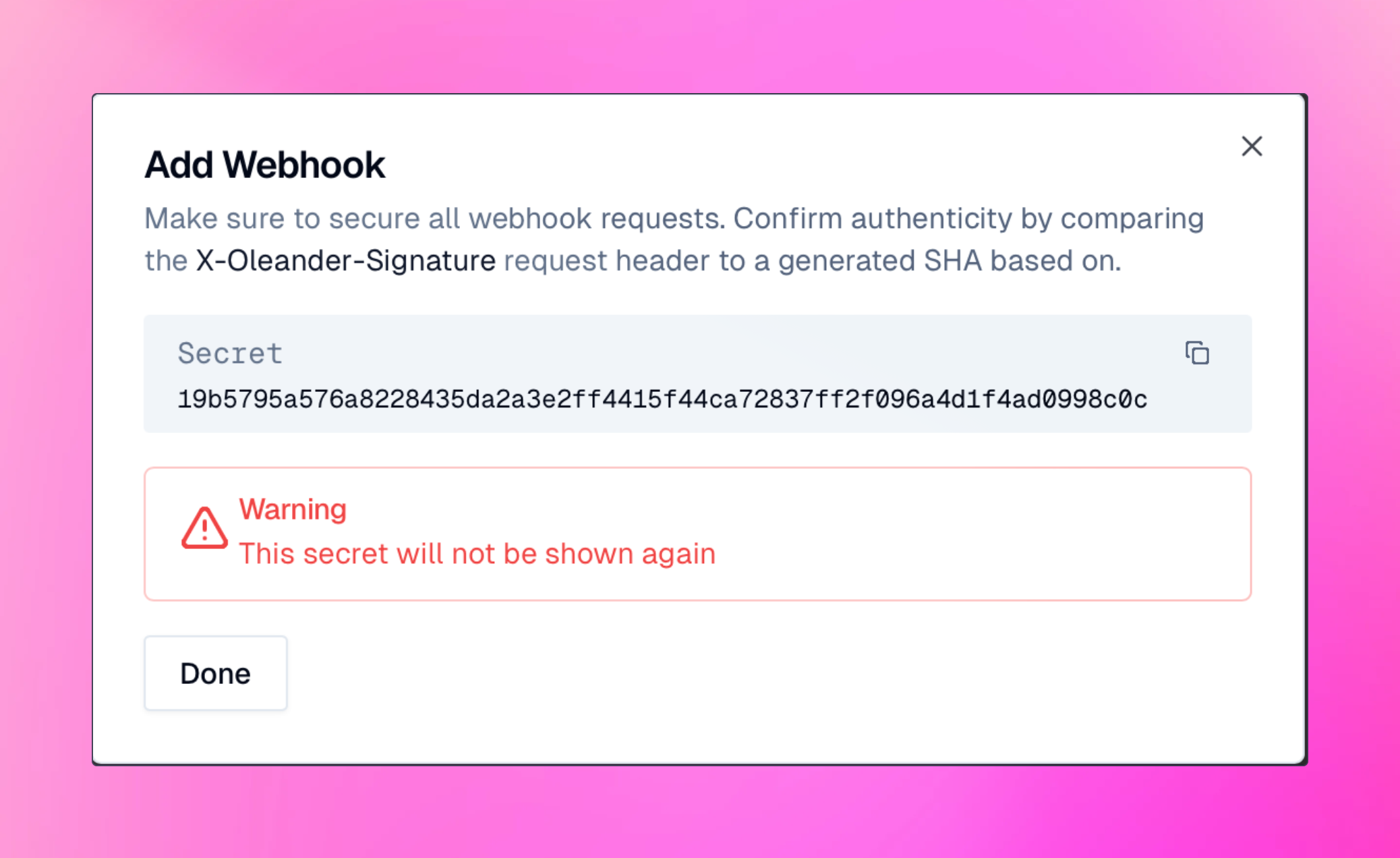
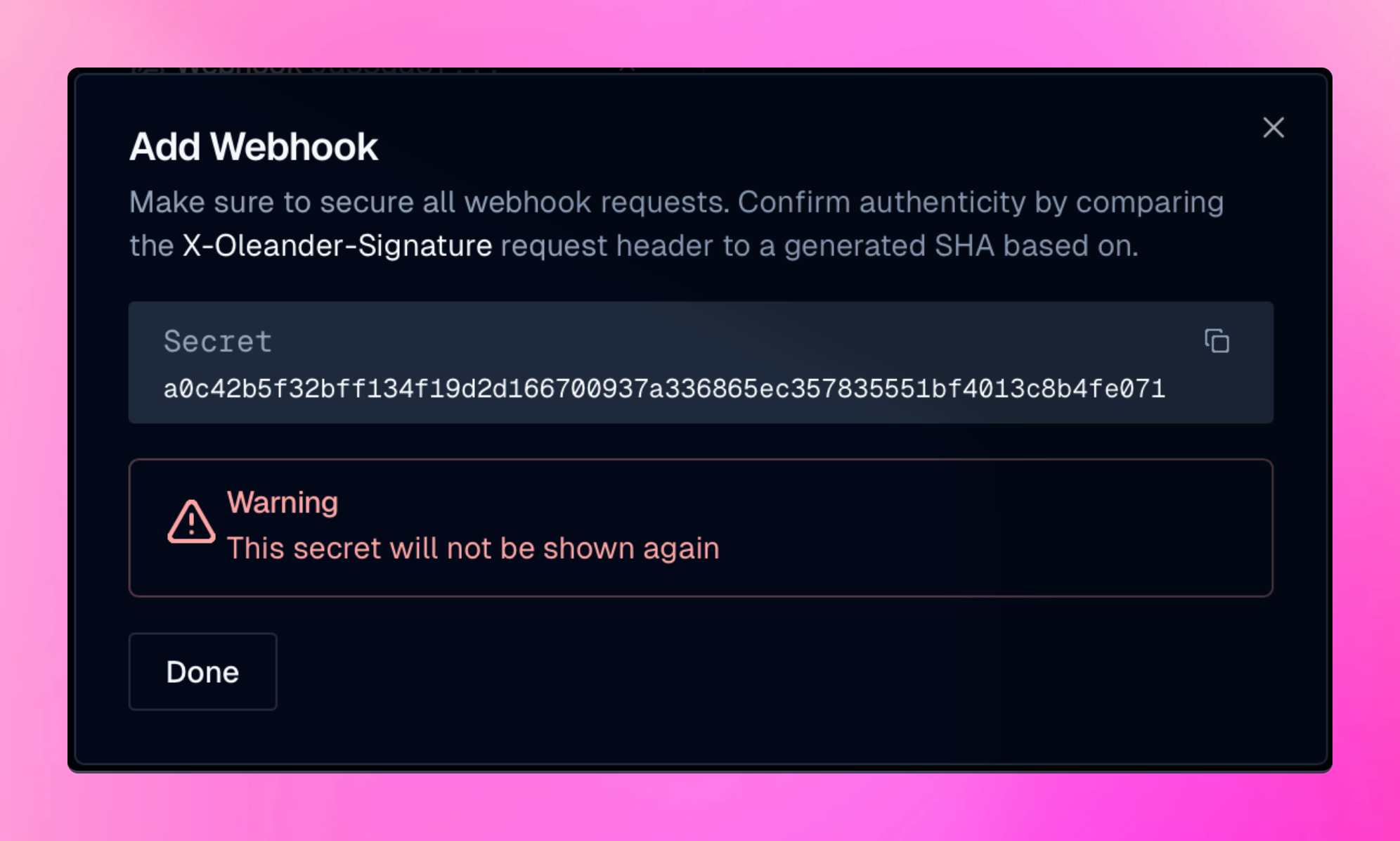 Once complete, click `Done`. Note, only OpenLineage events for jobs you are watching will be forwarded.
To view watched jobs, go to the [Watcher](https://oleander.dev/app/settings/watchers) section.
To view all your new and existing webhooks, go to the Webhooks section of your team's setting.
### OpenLineage Events
The webhook URL receives an HTTP `POST` request with a `JSON` payload for each event.
All events will be formated following the OpenLineage [specification](https://github.com/OpenLineage/OpenLineage/blob/main/spec/OpenLineage.json).
Once complete, click `Done`. Note, only OpenLineage events for jobs you are watching will be forwarded.
To view watched jobs, go to the [Watcher](https://oleander.dev/app/settings/watchers) section.
To view all your new and existing webhooks, go to the Webhooks section of your team's setting.
### OpenLineage Events
The webhook URL receives an HTTP `POST` request with a `JSON` payload for each event.
All events will be formated following the OpenLineage [specification](https://github.com/OpenLineage/OpenLineage/blob/main/spec/OpenLineage.json).